How To Produce Music for Beginners
 By Freddie HarbMarch 18, 20212 min read
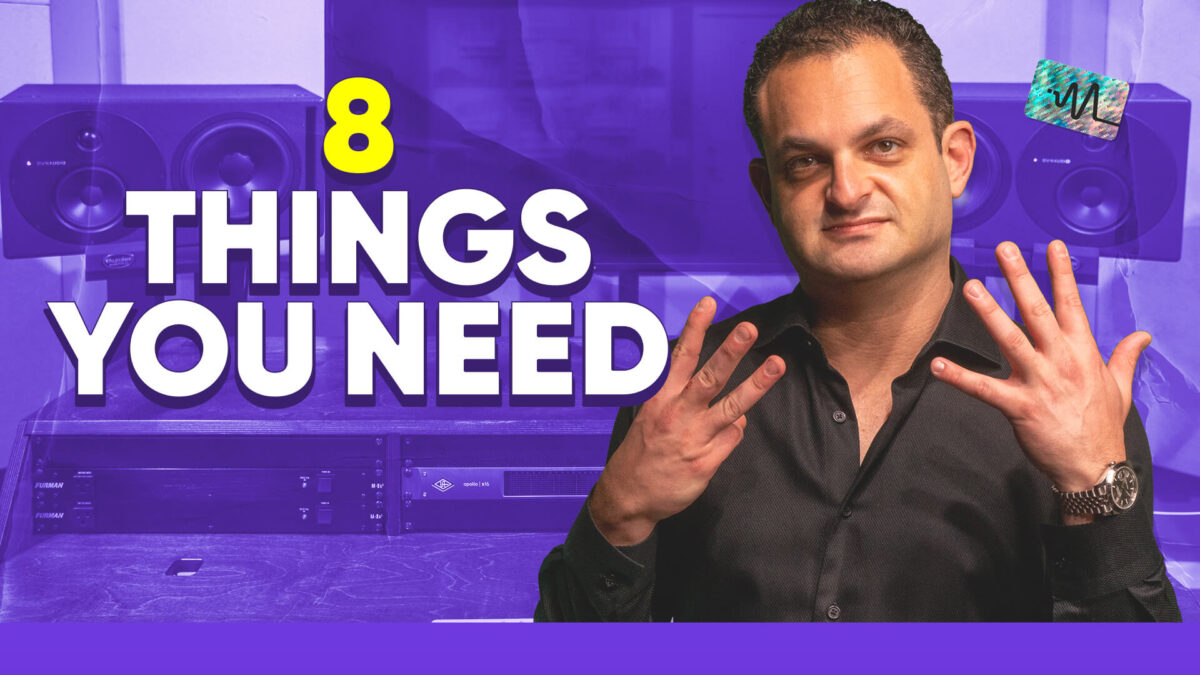
In this video Freddie from Distinct Mastering shows you how to start making music on your computer. All of the very basics of music production are covered. This is a great video for a beginner to learn what one might need to produce music. If you’re a beginner and you want to start making music today then this video is going to give you all the information you need.
#TimeStamps
0:00 Start
00:31 Starting Out
00:40 Computer
01:02 DAW (Digital Audio Workstation)
01:29 Audio Interface
01:54 Monitors / Headphones
02:34 MIDI Controller
03:13 Room Acoustics
03:44 Soft Synths / Plug Ins
04:11 Hardware / Instruments
#StepByStep
Computer – Most professional and home studios are using computers so you can install a DAW.
DAW (Digital Audio Workstation) – A DAW will allow you edit, mix and arrange your music. There are many DAW’s on the market.
Audio Interface – An audio interface will provide professional grade inputs and outputs for you to connect your computer. All the digital to analog (D to A) or analog-to-digital (A to D) conversion takes place.
Monitors / Headphones – To be able to hear sounds out of your interface you will want to get some studio monitors or headphones.
MIDI (Musical Instrument Digital Interface) Controller – A MIDI controller will allow you to play sounds in your computer.
Room Acoustics – Room acoustics will help treat your room acoustically so you’re getting an accurate representation of what is coming out of your monitors.
Soft Synths / Plug Ins – As you get more into music production you will likely want to purchase more soft synths and plug ins.
Hardware / Instruments – As you progress deeper into music production you may start purchasing more analog hardware, synths or musical instruments.
Thanks for watching this video on improving your music production skills. Make sure to subscribe on YouTube HERE.
Want to hear what this sounds like on your own music?
Hear your track mastered, free.
Send me your mix. I'll master the whole track, you hear it in full quality in your private player, and we talk it through on a 15 minute call.
Get a free sample