Ableton Live Export Audio – Ableton Live 11 Tutorial
 By Freddie HarbMay 05, 20211 min read
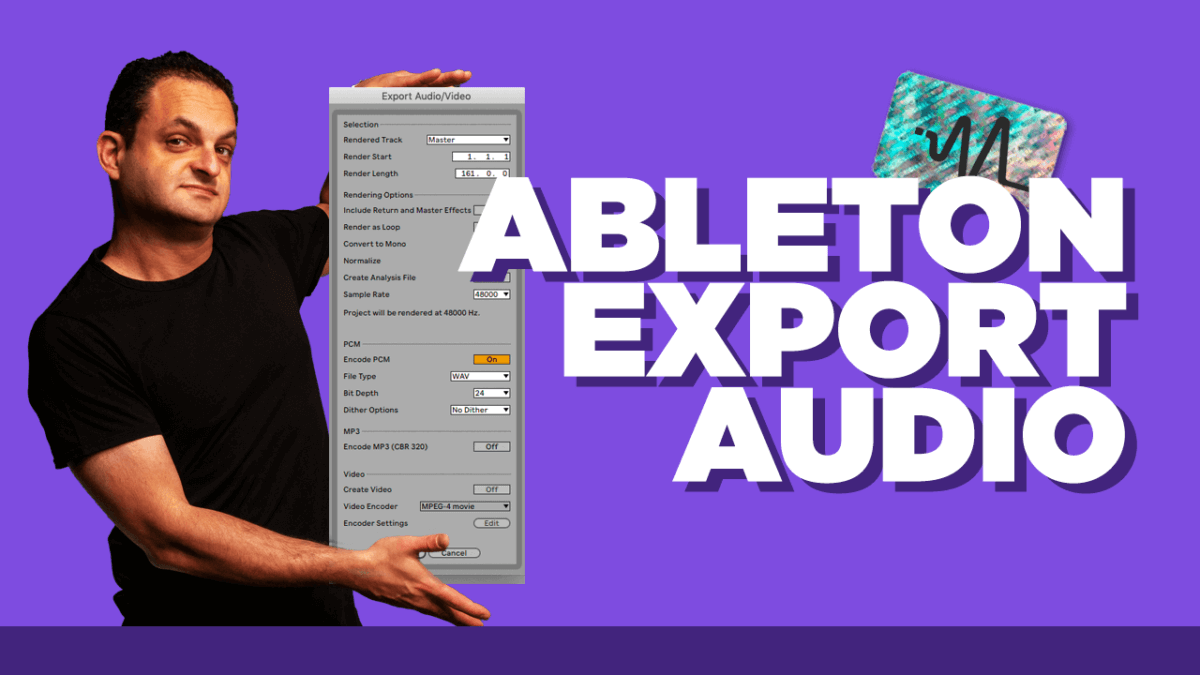
Part five of the Ableton Live Tutorial series goes over the export audio window. Exporting audio is crucial to getting your music out of Ableton and onto other devices. There is a slew of options in here so for a beginner navigating to the proper settings can be crucial to getting the desired sound, file size and type, etc. If you find you need a small tutorial on the Ableton Live export audio panel then this video is for you.
#TimeStamps
0:00 Start
00:37 Ableton Export Window
04:19 Outro
#StepByStep
The Ableton Export Audio panel is crucial for exporting your tracks. Learn all of the functions and options you have while exporting your tracks.
Thanks for watching this video on Ableton’s Export Audio panel. Make sure to subscribe on YouTube HERE.
Want the setup I use? It is yours, free.